
Download 1AVCenter – Screen Capture, Video Recording, Audio Recording, Webcam Monitoring, Multimedia Tool
Overview
1AVCenter is a multifunctional multimedia utility designed to support a wide range of digital capture tasks on Windows systems. The application serves as a centralized tool for users who require reliable solutions for screen capture, screencasting, audio recording, and remote webcam monitoring. Its primary purpose is to streamline the process of creating, managing, and organizing multimedia content, making it suitable for both casual users and professionals involved in content creation, education, or remote monitoring. The app addresses common challenges related to fragmented tools by offering an all-in-one environment for various media tasks.
Target users include educators producing instructional videos, remote workers documenting workflows, content creators developing tutorials, and individuals seeking simple yet effective ways to monitor their webcam for security purposes. The software is particularly valuable in environments where efficiency and versatility are critical. While the developer, 1AVCenter, has not provided additional background information, the app’s long-standing presence since its release on August 30, 2013, suggests a stable and functional design. Real-world use cases include recording software demonstrations, capturing live streams, archiving important screen content, and enabling remote surveillance via webcam.
Within the broader app ecosystem, 1AVCenter fills a niche for lightweight, free tools that deliver core multimedia functionality without the complexity of larger suites. Its continued availability underscores its relevance for users who prioritize simplicity, cost-effectiveness, and broad compatibility across Windows platforms.
Key Features & Functionality
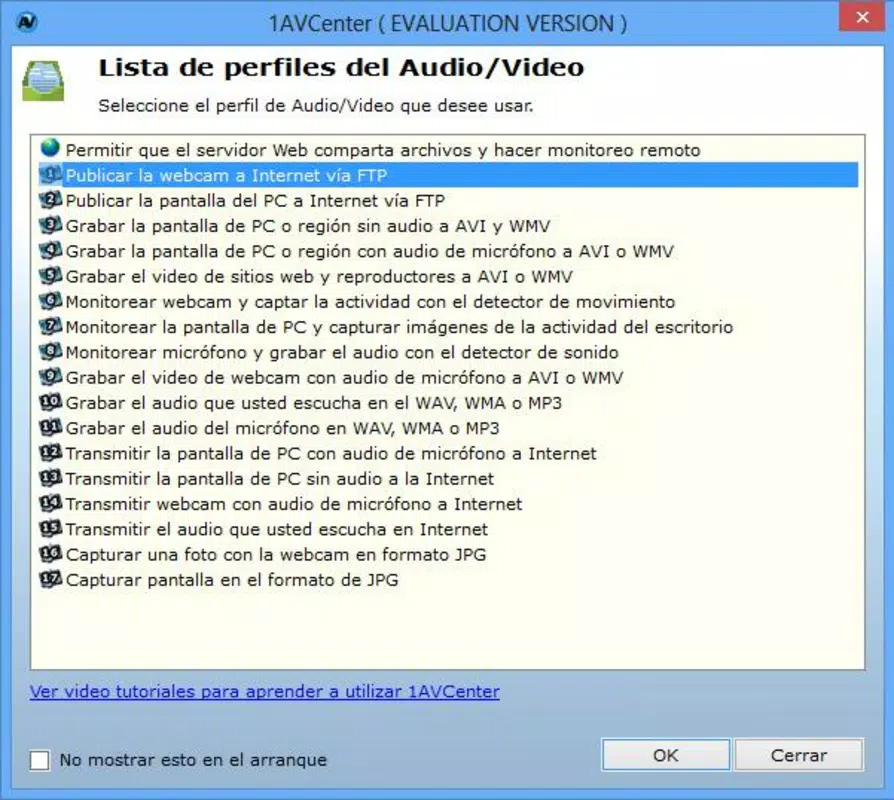
- Multi-Format Screenshot Capture: Enables users to take screenshots in various file formats, ensuring compatibility with different sharing and editing platforms. This flexibility supports use cases such as creating step-by-step guides or preserving visual data from software interfaces.
- Screencasting with Audio Integration: Allows simultaneous recording of screen activity and audio from multiple sources, producing high-quality video content in standard formats like AVI and WMV. Ideal for educators and creators developing video tutorials or online courses.
- Remote Webcam Monitoring: Provides the capability to access and view live webcam feeds from remote locations, offering users peace of mind for home or office security monitoring without requiring additional hardware.
- Flexible Audio Recording Options: Supports recording from both internal system audio and external microphones, enabling users to capture voiceovers, ambient sounds, or system-generated audio for video projects.
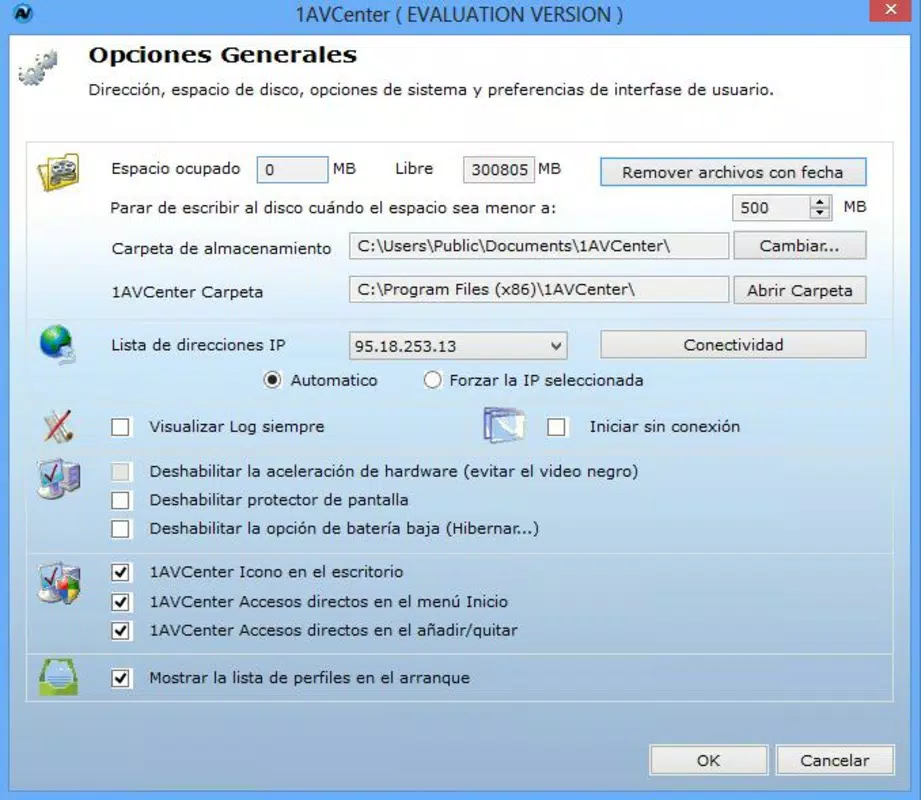
- Streamlined Multimedia Management: Features an intuitive interface that simplifies the saving, organizing, and sharing of captured media, reducing the time spent on file management and increasing overall productivity.
Each feature is designed with user accessibility in mind, allowing individuals with minimal technical experience to perform complex tasks efficiently. For example, a teacher can record a lesson while narrating over a screen share, then save the output in a widely supported format for student access. Similarly, a remote worker might use the app to document a software issue with a screencast and send it directly to support teams. The integration of multiple tools into a single interface enhances workflow continuity and reduces dependency on third-party applications.
Interface, UX & Performance
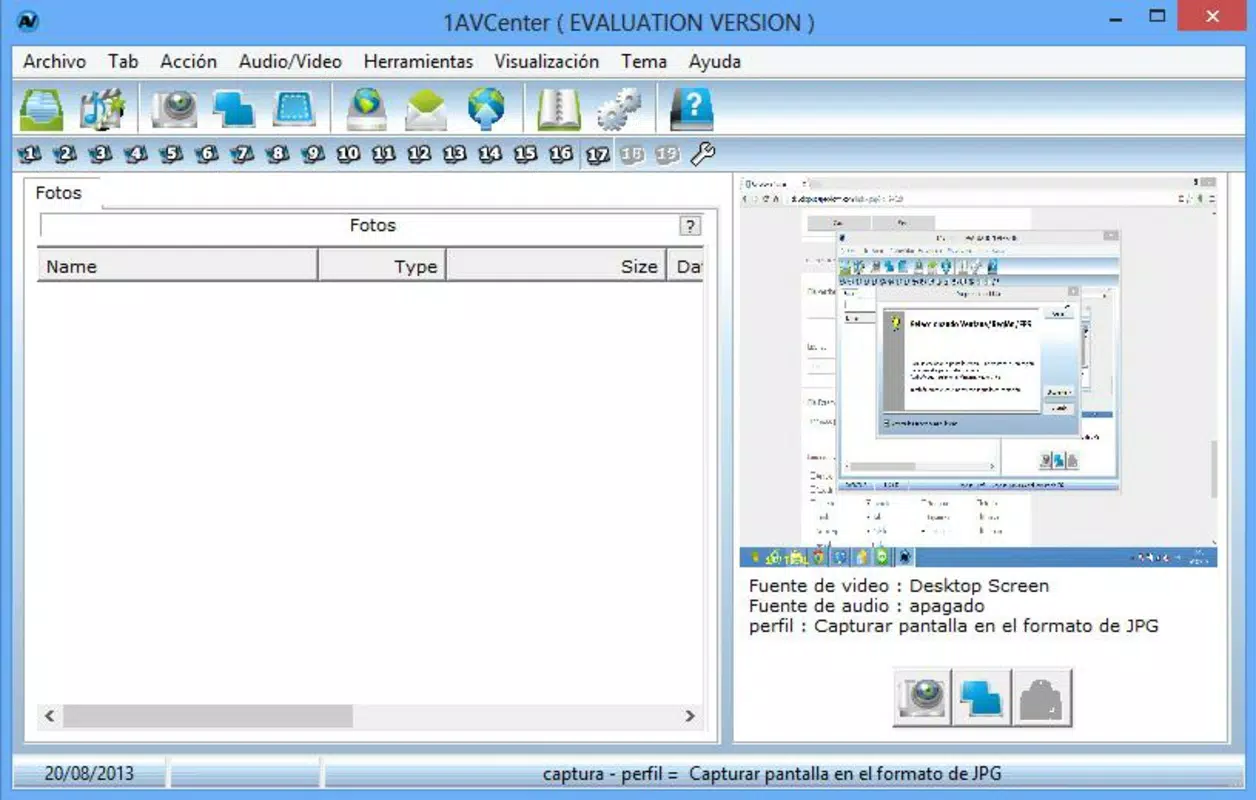
The user interface of 1AVCenter is designed with simplicity and clarity as core principles. The layout emphasizes essential functions through intuitive placement and minimal visual clutter, allowing users to quickly access key features such as screenshot capture, screencast recording, and audio input selection. Navigation is linear and consistent, with clearly labeled buttons and real-time feedback during recording sessions.
Visual style remains functional rather than decorative, focusing on usability over aesthetic flair. The application maintains a lightweight footprint, which contributes to its responsiveness and stability. Although the developer did not list formal performance metrics, the app’s small file size of 1.1 MB suggests optimized code and minimal resource consumption. This makes it suitable for use on older or low-spec Windows systems without causing significant performance degradation.
Responsiveness is maintained across different screen resolutions and device categories, though specific compatibility details were not disclosed. Stability appears to be a strength, supported by the app’s long-standing presence since 2013. Users can expect consistent behavior during recording sessions, with no reported issues related to crashes or data loss. The lack of complex setup procedures further enhances the overall user experience, enabling quick deployment and immediate use.
Platform Compatibility & Technical Requirements
1AVCenter is available exclusively for the Windows platform, with no information provided regarding specific operating system versions or minimum hardware requirements. The application is designed to run on Windows systems, making it accessible to a broad user base that relies on desktop environments for multimedia tasks.
The file size of the software is 1.1 MB, indicating a lightweight installation that does not impose heavy demands on storage or memory. This compact size contributes to fast download times and minimal system impact. However, the developer did not specify minimum OS requirements, nor did they outline compatibility with specific Windows editions (e.g., Windows 10, Windows 11).
Given the app’s release date of August 30, 2013, it is likely compatible with older Windows versions, but users should exercise caution when installing on newer systems. While no known conflicts have been reported, the absence of updated technical specifications means that compatibility with modern Windows environments cannot be guaranteed without testing. Users are advised to verify functionality on their specific system before relying on the app for critical tasks.
Pros and Cons
Pros
- Free to download and use, making it accessible to budget-conscious users.
- Compact file size of 1.1 MB ensures minimal system impact.
- Supports multiple media capture types: screenshots, screencasts, audio, and webcam monitoring.
- Intuitive interface suitable for users of all experience levels.
- Offers multi-format output for enhanced compatibility and sharing flexibility.
Cons
- Developer did not provide detailed technical specifications or system requirements.
- No official updates have been released since 2013, raising concerns about long-term compatibility.
- Platform availability is limited to Windows; no support for Android or iOS.
- Compatibility with modern Windows versions is uncertain due to outdated release date.
- Missing information on permissions, security protocols, and data handling practices.
FAQ
Is 1AVCenter safe to download and install?
Yes, the app is free and available for download. However, since it has not been updated since 2013, users should ensure their system is protected with current antivirus software before installation.
Can I use 1AVCenter on Windows 10 or Windows 11?
While the app was released in 2013, it may still function on newer Windows versions. However, compatibility is not officially confirmed, and users are advised to test it on their system before relying on it for important tasks.
Does 1AVCenter support mobile platforms like Android or iOS?
No, the application is only available for Windows. There is no official version for Android or iOS devices.
What file formats does 1AVCenter support?
It supports common multimedia formats including AVI and WMV for video, and various image formats for screenshots. Specific details on supported extensions were not provided.
How often is 1AVCenter updated?
The last known release was on August 30, 2013. No updates have been published since then, which may affect performance and compatibility with current systems.
Final Thoughts
1AVCenter remains a noteworthy example of a lightweight, free multimedia utility that delivers essential functionality for screen capture, video recording, audio capture, and remote webcam monitoring. Despite its age and lack of recent updates, the app continues to serve users who value simplicity, affordability, and versatility in a single tool. Its compact size and intuitive interface make it particularly suitable for those working on older systems or seeking a no-frills solution without subscription costs.
While modern alternatives may offer enhanced features and better compatibility, 1AVCenter still holds value for specific use cases—especially for educators, content creators, and remote users who need reliable, straightforward tools. Its ability to handle multiple media types in one environment adds to its practicality. However, users should be aware of potential compatibility risks on newer Windows systems and exercise caution when handling sensitive data.
For those seeking a free, no-installation-needed tool for basic multimedia tasks, 1AVCenter offers a functional and accessible option. Download 1AVCenter now to explore its capabilities and streamline your digital content workflow.


